Cracking the LinkedIn Algorithm: How Your Profile Photo Impacts Visibility in 2025
LinkedIn's Visual-First Algorithm Update
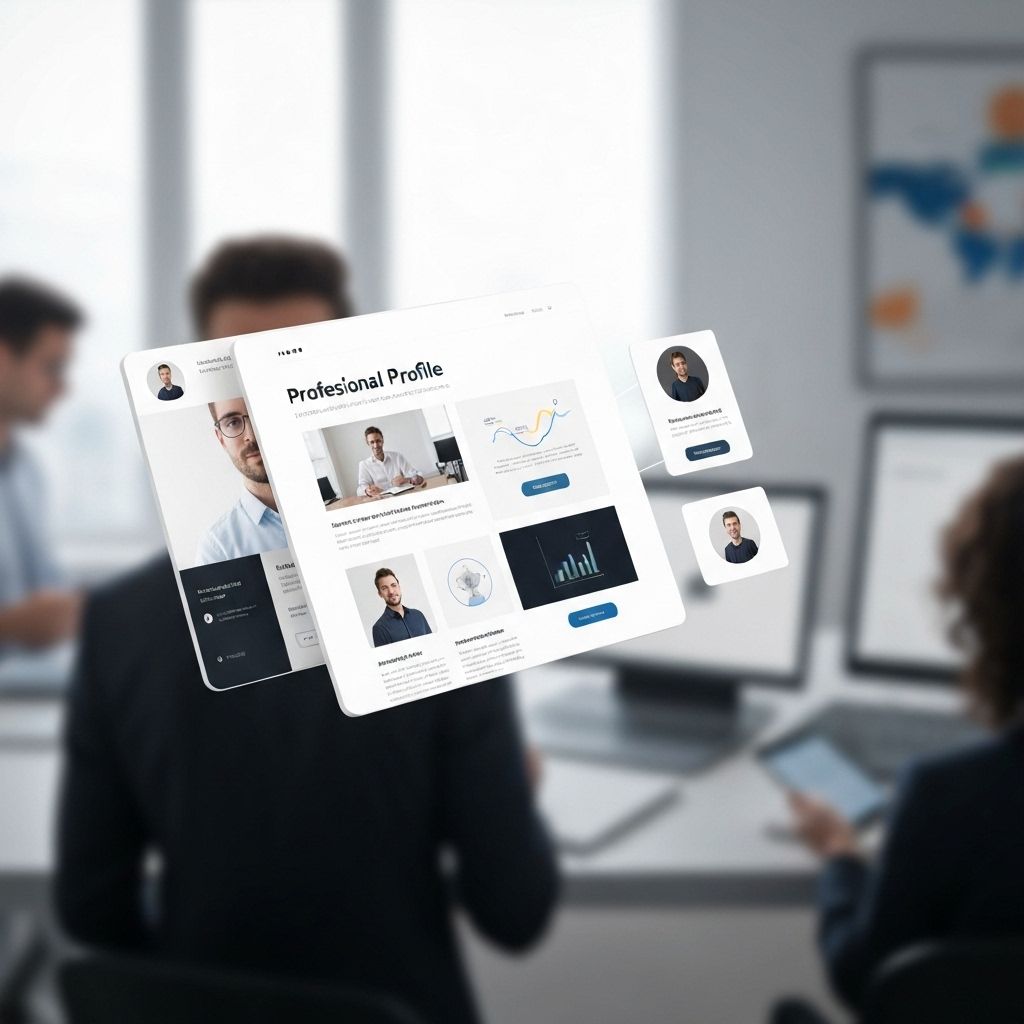
LinkedIn's 2025 algorithm update has fundamentally changed how profile visibility works. Professional photos are no longer just about first impressions—they're now a direct ranking factor affecting search results, suggested connections, and content distribution.
The Algorithm Breakdown: How Photos Impact Ranking
LinkedIn's machine learning system evaluates profile photos across multiple dimensions:
- Photo presence: Profiles with photos receive 21x more views than those without
- Professional quality score: Algorithm detects professional vs casual photography
- Face clarity: Clear, well-lit facial features rank higher in search
- Background appropriateness: Neutral, professional backgrounds boost scores
- Consistency signals: Matching photos across profile sections increase trust scores
- Recency factor: Updated photos (within 12 months) rank higher
The Photo Quality Multiplier Effect
Research on LinkedIn engagement shows cascading benefits:
- Profile views: Professional photos increase views by 14x
- Connection acceptance: 36% higher acceptance rate with quality headshots
- InMail response: 2.7x more responses with professional images
- Content engagement: Posts from profiles with professional photos receive 41% more engagement
- Search visibility: Appear 8x more often in "People Also Viewed"
Technical Optimization: Photo Specifications
Maximize algorithm performance with these technical requirements:
- Dimensions: 400x400 pixels minimum (8000x8000 maximum)
- File size: 8MB maximum for best quality
- Format: JPG or PNG (JPG preferred for file size)
- Face coverage: Face should occupy 60-80% of frame
- Background: Solid color or subtle gradient performs best
- Lighting: Even, front-facing light without harsh shadows
Background Images: The Overlooked Opportunity
LinkedIn's background photo also impacts algorithmic scoring:
- Professional imagery: Office settings, industry-relevant backgrounds
- Brand consistency: Matches your professional identity
- Text overlay limits: Minimal text for better algorithm processing
- Dimensions: 1584x396 pixels for optimal display
The "LinkedIn Look": What The Algorithm Favors
Based on millions of analyzed profiles, the algorithm consistently ranks these attributes higher:
- Professional attire: Business or business casual (suit, blazer, dress shirt)
- Neutral expressions: Genuine smile or confident neutral expression
- Direct eye contact: Looking straight at camera
- Good posture: Upright, professional body language
- Clean background: Solid colors (blue, gray, beige) or minimal office setting
- Natural lighting: Soft, even illumination without heavy shadows
Testing & Optimization Strategy
Maximize your LinkedIn performance with A/B testing:
- Week 1-2: Test professional vs casual professional attire
- Week 3-4: Compare smile vs neutral expression
- Week 5-6: Test different background colors
- Week 7-8: Evaluate head-and-shoulders vs full upper body framing
- Metrics to track: Profile views, search appearances, connection requests
The Quarterly Update Rule
LinkedIn's algorithm favors active, maintained profiles:
- Primary photo: Update annually at minimum
- Background image: Refresh every 3-6 months
- Featured media: Rotate quarterly to signal active profile
- Activity indicators: Regular profile updates boost overall visibility
Common Mistakes That Hurt Rankings
Avoid these algorithm penalties:
- Logos or graphics: Profile photos must be actual photos of you
- Group photos: Algorithm can't verify which person is the profile owner
- Heavily filtered: Over-edited photos receive lower quality scores
- Cropped group shots: Usually poor quality and composition
- Sunglasses or hats: Face must be clearly visible
- Blurry or pixelated: Low-resolution images harm rankings significantly
Industry-Specific Considerations
Finance/Law/Corporate:
- Conservative attire (suit, formal business wear)
- Neutral, trustworthy expression
- Solid color backgrounds (navy, gray, black)
Tech/Creative/Startup:
- Business casual acceptable (no tie required)
- Friendly, approachable expression
- Slightly more relaxed backgrounds
Healthcare/Education/Nonprofit:
- Professional but approachable attire
- Warm, trustworthy smile
- Clean, uncluttered backgrounds
The Mobile Optimization Factor
With 60% of LinkedIn accessed via mobile:
- Photos must look good at small sizes (48x48 to 200x200 pixels)
- High contrast between subject and background
- Face clearly visible even in thumbnail view
- Avoid fine details that disappear when compressed
The 2025 LinkedIn Success Formula
Professional photography is no longer optional for LinkedIn success. The platform's algorithm explicitly rewards profiles with high-quality, professional photos through increased visibility, better search rankings, and higher engagement rates. In a platform with 950 million users, algorithmic advantages translate directly to career opportunities, business development, and professional network growth.
Tags
Related Articles
Complete LinkedIn Profile Optimization Guide for 2025
Master the art of LinkedIn profile optimization with proven strategies that increase profile views by 300% and connection requests by 5x.

10 Common Mistakes to Avoid with Your Professional Headshot
Don't sabotage your professional image with these common headshot mistakes. Learn what to avoid and how to present your best self.

Consultants: Thought Leadership Through Strategic Professional Imagery
Establish authority and attract high-value clients with professional imagery that positions you as an industry thought leader.